
Finance director (CFO)
The value of the installed equipment, the replacement forecast to build the CAPEX budget, the cost of repairs by family and by clinic.
Romaldent tracks the maintenance of the equipment in every dental clinic, from the chair to the autoclave. Management oversees the group, while each clinic keeps its own log and prints its inspection records in a few clicks.
A dental clinic runs a lot of heavy equipment: chairs, X-ray, sterilisation, compressors, suction. In a group, that equipment is spread across several sites, and each one tracks it in its own way.
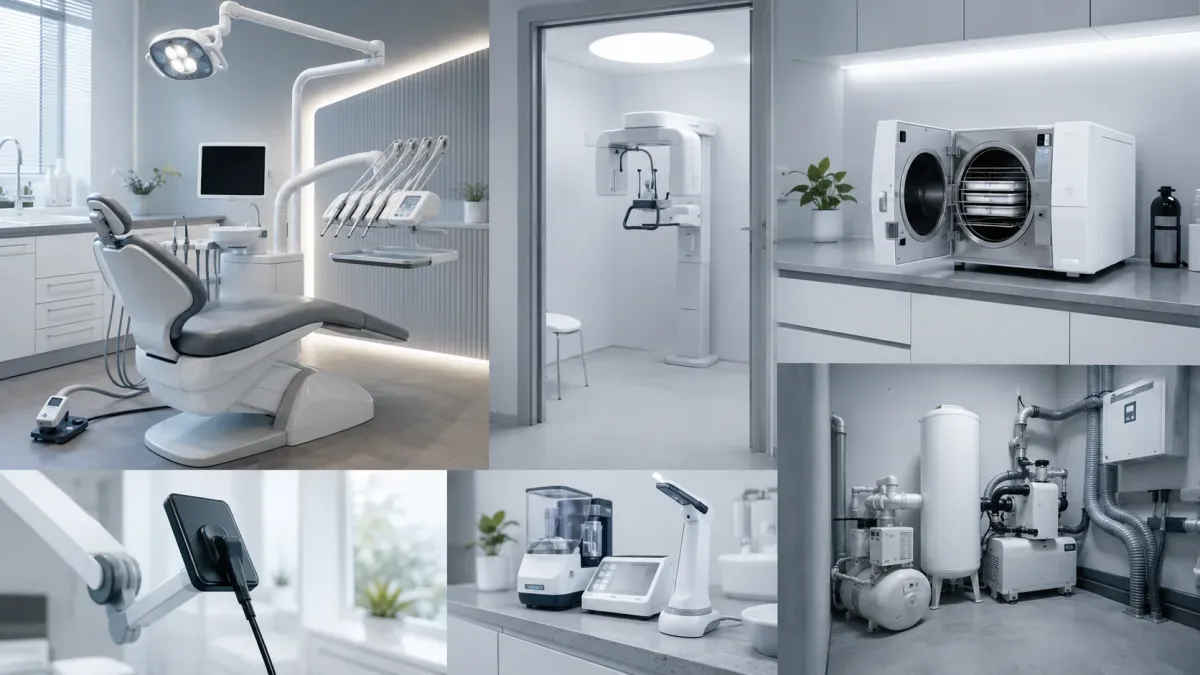
Each clinic keeps its own lists. At head office, nobody knows exactly what is installed, or in what condition.
Without the value of the equipment by family, the replacement budget is decided by guesswork, often after a breakdown.
An unavailable chair means rescheduled appointments and lost revenue. As long as nobody measures it, that cost stays invisible.
On inspection day, the clinic’s maintenance evidence has to be gathered: binders, emails, contractors’ reports, spreadsheets.
Romaldent is dental equipment maintenance software. In a group of clinics, each function reads the same equipment at its own level, from the same data.
The value of the installed equipment, the replacement forecast to build the CAPEX budget, the cost of repairs by family and by clinic.
A comparison of the clinics in their region: active chairs, estimated lost revenue, overdue equipment.
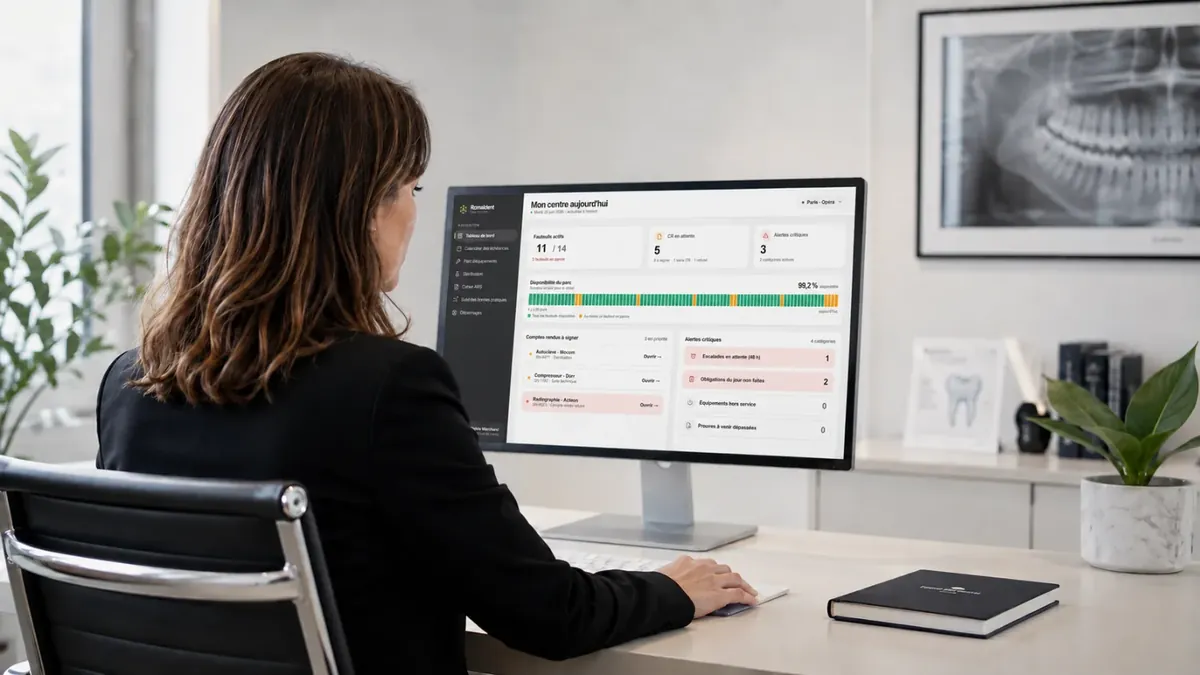
The clinic’s due dates, sterilisation board and inspection log, ready to print before an inspection.
Records checks through the day and reports a fault in one click. The technician is notified.
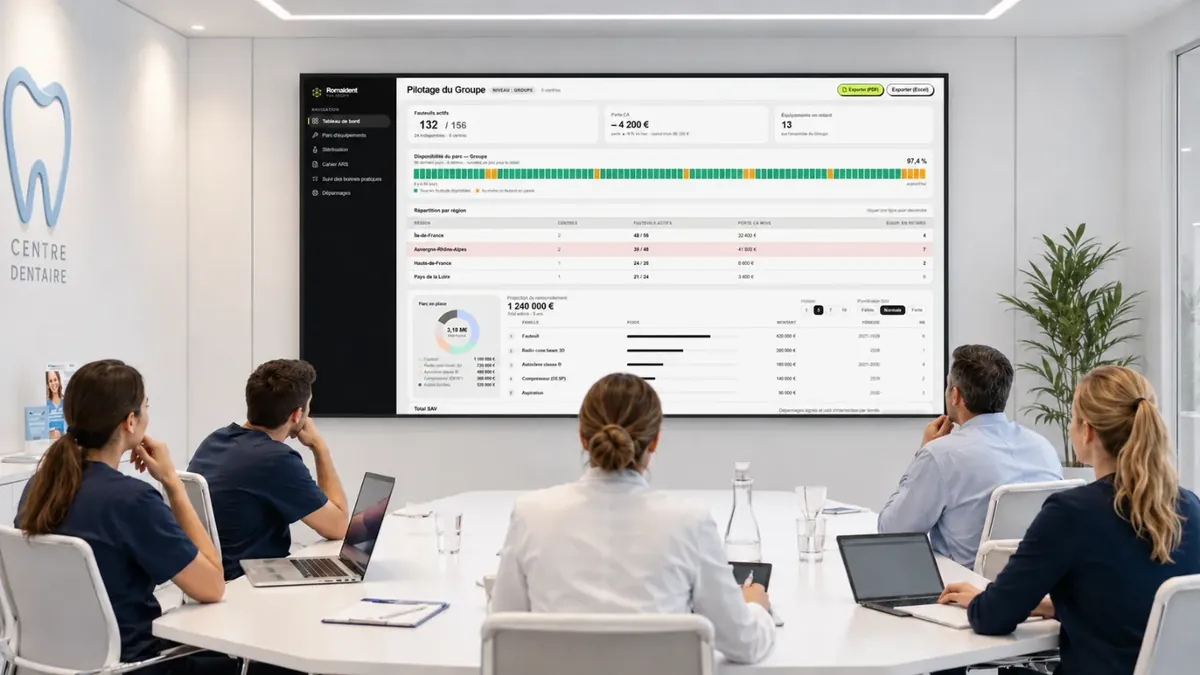
What Romaldent does for a group of dental clinics, in five blocks. The screens shown are mock-ups, with fictitious clinics and figures.
The dashboard opens at group level. One click on a region, then on a clinic, and you go down a level while keeping the same indicators.
Romaldent calculates the value of the installed equipment by family. It projects the replacement of each family over an adjustable horizon, weighted by after-sales history. These are estimates to build a CAPEX budget, not exact forecasts. The cost of repairs can be read by family and by clinic.
The calendar sorts mandatory and recommended checks: overdue, due this week, this month, later. List or calendar view, filtered by clinic. The checks for each equipment family can be adjusted to your practices.
Each clinic has its own sterilisation board: autoclave tests (Bowie-Dick, Helix), validation, ultrasonic bath, heat sealer and number of cycles.
Before an inspection, each clinic’s management prints its clinic’s log for the requested period, without gathering binders.
Choose a clinic, a period and a type of equipment. Romaldent generates a PDF of the clinic’s maintenance evidence, in date order.
Good practice tracking flags operations that are overdue or have never been recorded. Clinic management sees them and gets them dealt with before generating the log.
Each clinic has its own log and its own inspection record. At group level, management sees where the overdue equipment is.
The safety, quality and maintenance log keeps a record of every check, test and service visit at a clinic, with its date, its result and its proof.
The log records faults too.
A failed test stays recorded at its date. It is followed by the report, the technician’s visit, then the test that confirms the repair. The log shows the problem and how it was handled.
Romaldent tracks the equipment on your inventory. So getting started begins with an inventory of each clinic’s equipment, in one of these two ways.
No, it tracks it. Your service providers keep working as they do today. Romaldent records the due dates, the checks carried out and the signed reports, and notifies the technician when a fault is reported.
Yes. Management works on three levels: Group, Region, Clinic. Management sees the whole group, then drills down to a region and to a clinic. Each clinic keeps its own due-date calendar, sterilisation board and inspection log.
No. Romaldent runs in the browser. There is nothing to install on computers at head office or in the clinics.
We carry it out for you, or your teams import it from our Excel template. Romaldent only tracks equipment that has been inventoried, so the initial inventory is the first step, clinic by clinic.
Pricing is set per clinic and per month, with unlimited users. We give you the price during the demo.

A demo built around your group: the group dashboard, a clinic’s inspection log, getting the inventory started.
Book a demoCette page existe aussi en français.
Lire en français