Managing your dental equipment.

The software that centralises your equipment, anticipates every maintenance task and finds your records in seconds.

Your equipment under control in three steps.

A simple method to go from scattered information to maintenance that is properly managed.

01

Record.

Import or enter your equipment and link it to your clinics and rooms.

02

Plan.

Set the maintenance tasks, checks and due dates to track.

03

Prove.

File every service visit and find the matching record instantly.

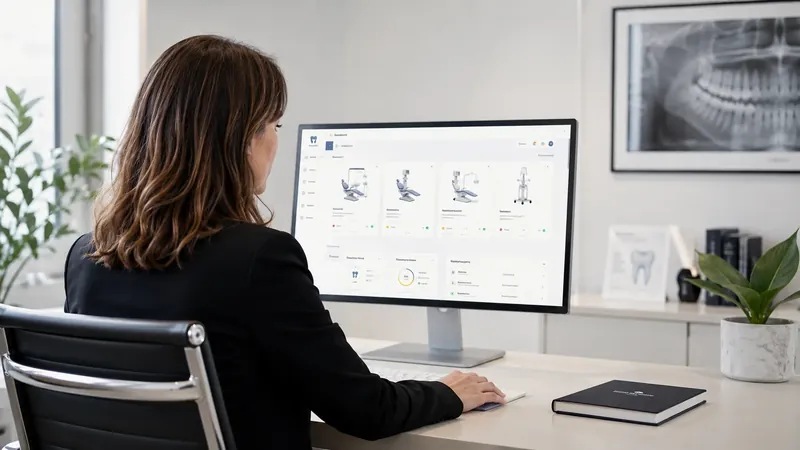
A tool that fits your organisation: it works just as well for a single dental practice as for a multi-site dental group.

Due dates anticipated
Reports in one place
Equipment up to date
Multi-site
app.romaldent.fr / dashboard
Hello Romain+ Add equipment
EQUIPMENT126+3 this month
UPCOMING14Next 30 days
UP TO DATE98+4 this month
ALERTS3Action required
Recent equipment See all
DDental chair
Room 2Up to date
AClass B autoclave
SterilisationTo schedule
PPanoramic X-ray
X-rayDocument
CCompressor
Plant roomUp to date
Equipment status July
98
Up to date98
To monitor19
Action required9
Today’s round

The round fits in your pocket.

The lead dental assistant does the check round from their phone - each test ticked off on the spot, any issue reported, the record attached, the equipment up to date.

018:45 am - The day’s round opens on the phone.
Romaldent
Today’s round
16/24Checks done
Room 2Daily check
Chair

Flushing and disinfection

Approved
SterilisationTest cycle
Autoclave

Mandatory check

To do
RoundEquipmentReportsProfile
Scroll
0%

Equipment identified. Service made simpler.

EquipmentVisible at all times
Due datesTracked automatically
RecordsAvailable in the right place

Maintenance shouldn’t depend on an Excel file, a binder or the memory of a single person.

Romaldent turns scattered management into a clear, shared system that is always up to date.

Equipment inventory•Mandatory maintenance•Service reports•Proof of service•Service providers•Multi-site•

All your dental equipment. In one place.

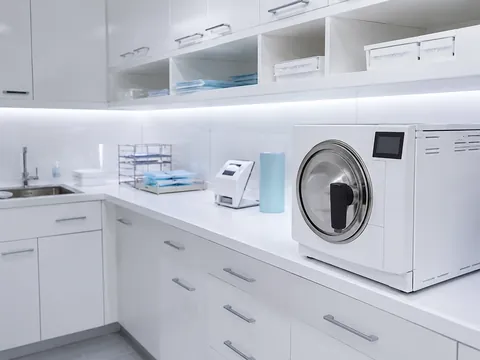
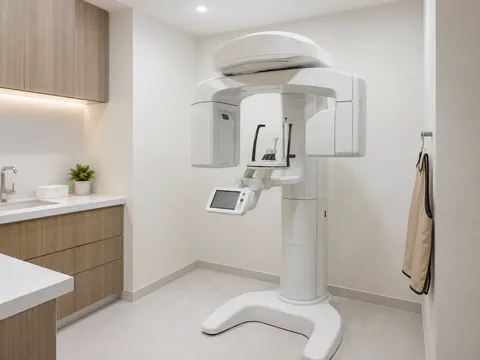
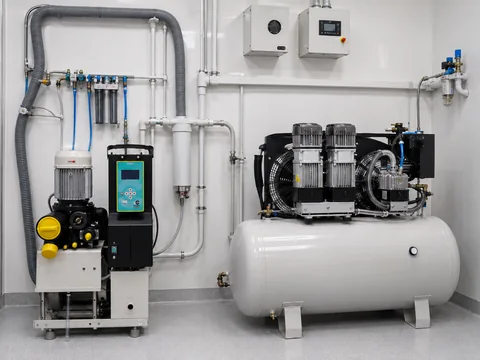
Chairs, sterilisation, imaging and plant room: Romaldent adapts to the equipment you actually have.
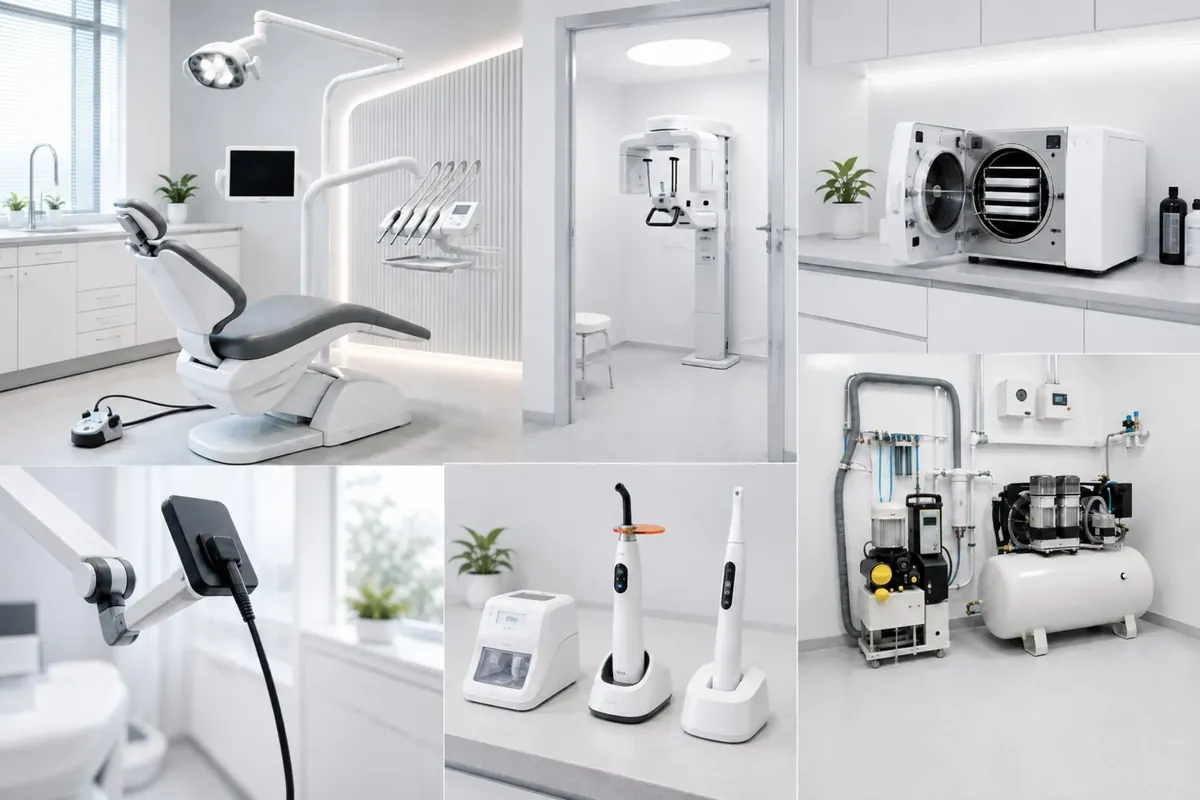
Dental equipment: chair, panoramic X-ray, autoclave, compressor and small equipment
One inventory, several equipment familiesClinic · room · status · documents · next due date

Ready before anyone asks.

No more last-minute hunting for evidence. It builds up as each task is completed.
9
actions to deal with across your equipment
Equipment tracking - Île-de-France group9 actions remaining
!
Missing report - AutoclaveRépublique clinic · Overdue
↗
X-ray check to scheduleNation clinic · Before 18 August
○
Service contract to renewOpéra clinic · In 24 days
✓
Chair maintenance approvedRépublique clinic · Report filed
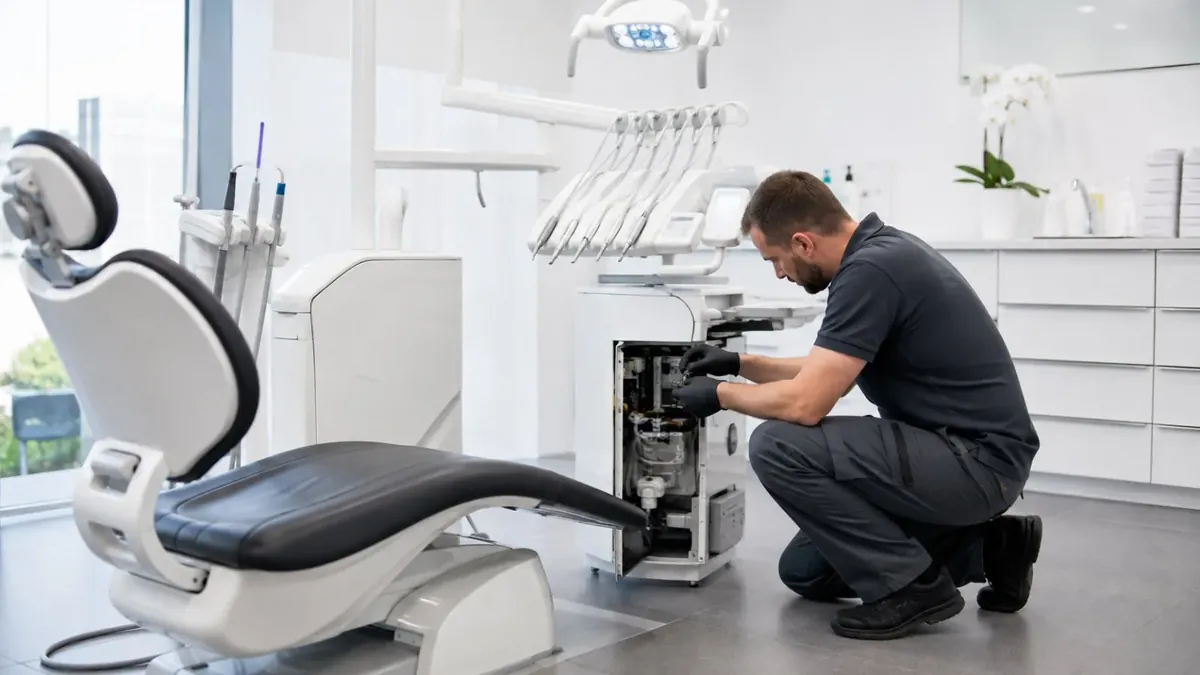
Technician servicing the delivery unit of a dental chair
Service visit documentedHistory checked · report attached · status updated
01Due date detected
02Reminder sent
03Service carried out
04Report filed
05Evidence available

One platform. Four perspectives.

Everyone gets the information they need, without juggling tools or several versions of the same file.
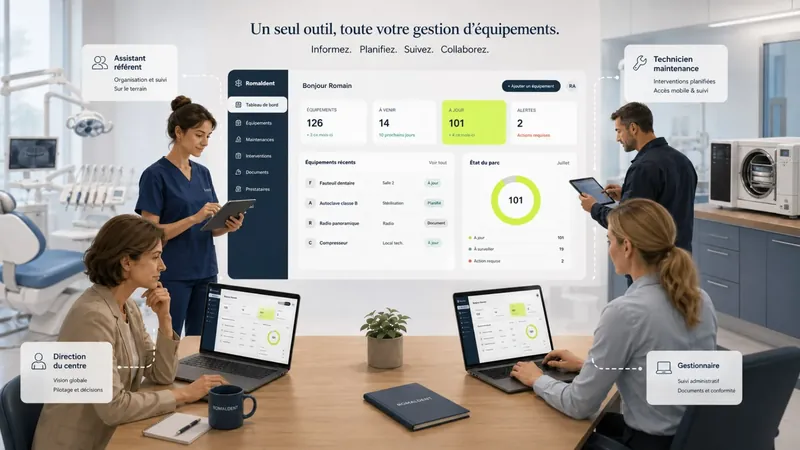
The four Romaldent user profiles around the same dashboard
01 - Operations manager

The operations manager, or the finance director of a group of clinics, follows all the equipment from a single screen: active equipment, today’s downtime, due dates for the next thirty days. They keep a consolidated view of the state of the equipment and of the replacement budget (CAPEX).
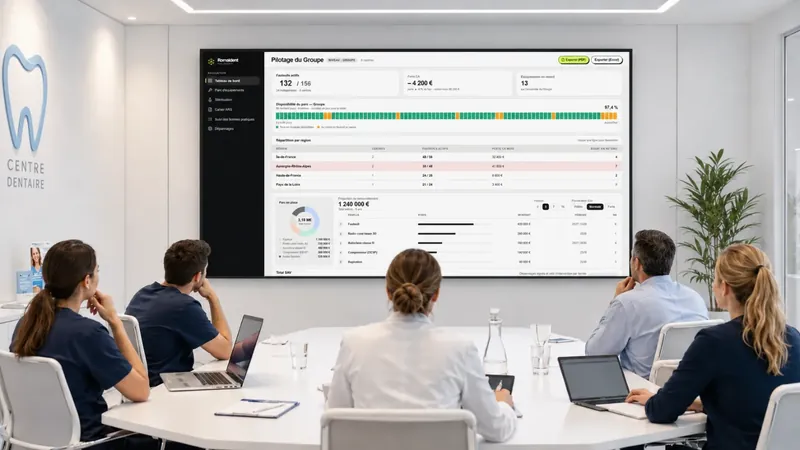
  • Up-to-date equipment availability
  • Inventory of active equipment per clinic
  • Replacement budget (CAPEX) and due dates
Romaldent’s multi-site equipment management view
Management view - multi-site equipment
02 - Clinic management

Management opens a summary of their clinic: available chairs, reports to sign, critical alerts. The figures update with every service visit recorded, with no manual consolidation.
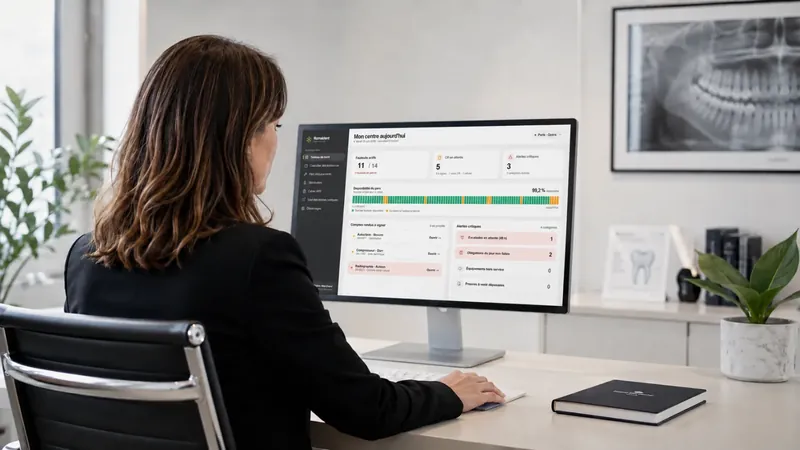
  • Equipment status at a glance
  • Reports to approve
  • Pending alerts and escalations
Romaldent dashboard for the management of a dental clinic
Dashboard view - My clinic today
03 - Lead dental assistant

The lead dental assistant finds each item of equipment by family, room or serial number, with its status and attached documents. Check and sterilisation reminders arrive at the right time, at the right workstation.
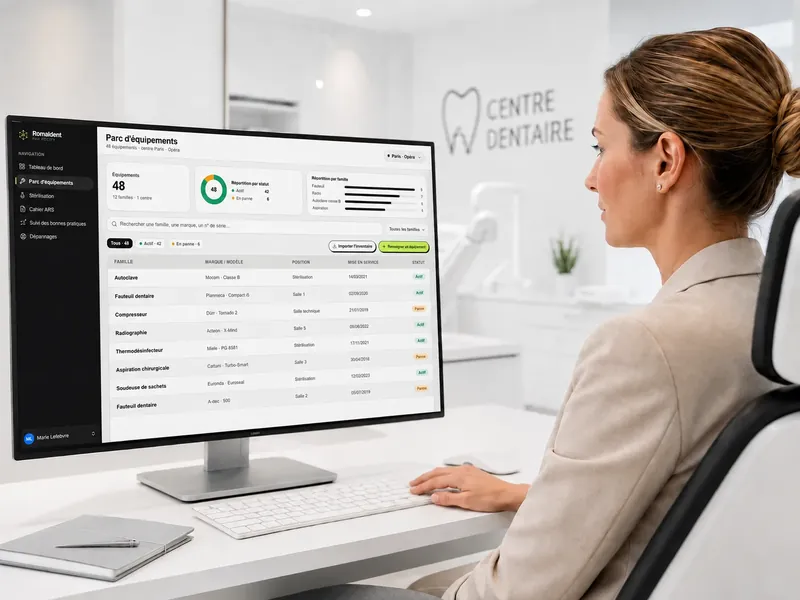
  • Search by family, room or serial number
  • Check and sterilisation reminders
  • Documents attached to the equipment
Romaldent’s equipment view from the dental assistant’s workstation
Equipment view - dental assistant’s workstation
04 - Technical team

The technician arrives with the equipment’s full history: previous faults, parts replaced, last check. They can enter their report and attach it to the equipment.
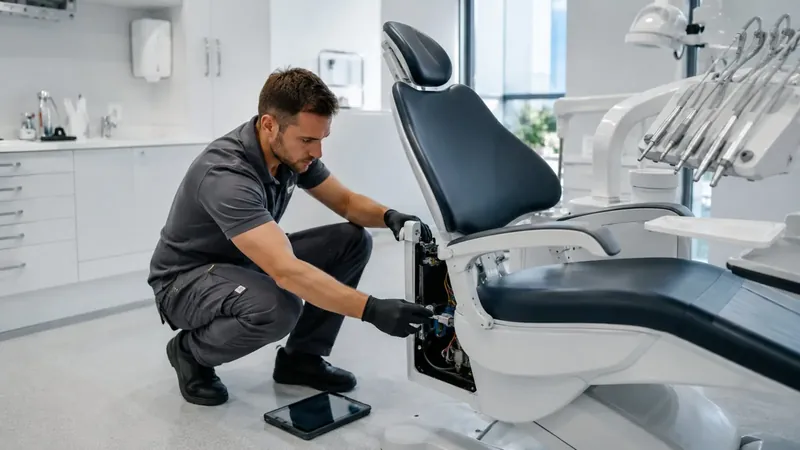
  • Full history before diagnosis
  • Report attached to the equipment
  • Parts and time recorded
Technician servicing a dental chair with their Romaldent tablet
Service view - on site, from a tablet

No more scattered management.

Everything is somewhere.
Just never in the right place.

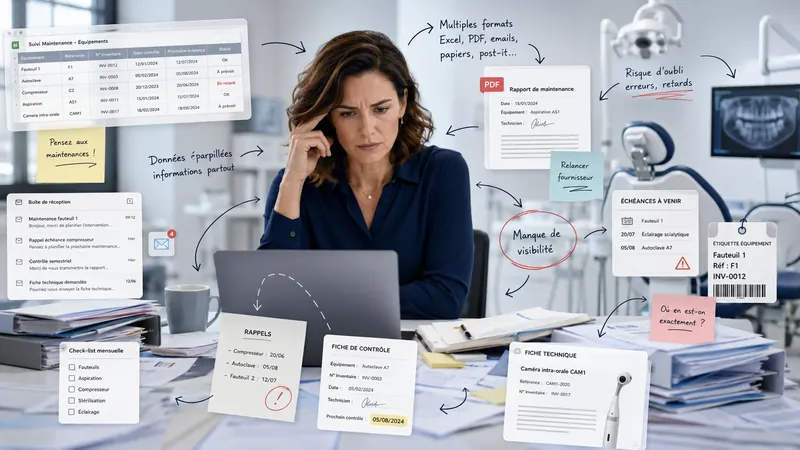
An incomplete safety, quality and maintenance log: the information exists, but it is hard to find and impossible to manage as a whole.
×Due dates tracked by hand
×Scattered documents
×Incomplete history
×No multi-site view
Clinic manager faced with scattered maintenance information
Excel, emails, PDFs, reminders and documents: an organisation that is hard to share.

One piece of software.
All your equipment.

01

A precise, documented inventory of your equipment.

Equipment, clinic, room, brand, model, serial number, installation date and status: your inventory finally becomes usable.

126 items⌕ Search
DDental chairRépublique clinicRoom 2Active
AClass B autoclaveRépublique clinicSterilisationTo monitor
PPanoramic X-rayNation clinicX-rayActive
CCompressorOpéra clinicPlant roomActive
SX-ray sensorNation clinicRoom 4Archived
02

Your safety, quality and maintenance log, always up to date.

Every mandatory check, its date, its result and its record are logged automatically. The log is generated from your data, ready for a regulatory inspection, an audit or a compliance visit.

Safety, quality and maintenance log⤓ Export
AAutoclave - Helix test29/07/2026CompliantSigned
XX-ray - quality check14/06/2026CompliantSigned
DChair - preventive maintenance02/05/2026Issue clearedSigned
C₂Compressor checkTo doDue 12/08To schedule
HHeat sealer - seal test11/03/2026CompliantSigned
03

Stay ahead of every due date.

Schedule preventive maintenance, mandatory checks and service visits. Reminders appear at the right time, for the right people.

MON 27
09:00
Chair - preventive
TUE 28
WED 29
To schedule
Autoclave
THU 30
14:30
X-ray check
FRI 31
04

The right document, on the right equipment.

Reports, contracts, certificates, manuals and records stay attached to the relevant item and accessible to the whole authorised team.

⇧
Drop the service report here

PDF, image or document - 20 MB maximum

Choose a file
05

The equipment’s whole life.

Installation, maintenance, fault, repair, check and next due date: the full history can be read in seconds.

12 July 2026Preventive maintenance carried out

Signed report added by the service provider.

18 February 2026Solenoid valve replaced

After-sales visit - part and invoice attached.

6 January 2026Annual check approved

No issues found.

12 September 2023Equipment installed

Dental chair - room 2.

An overall view and a tool for the field.

Clinic manager reviewing dental equipment in Romaldent
Management

A clear view, from a single screen.

Track the equipment, alerts and next actions at each site without juggling files.

Technician servicing a dental chair, tablet on the floor
Service

Every action leaves a usable record.

The service provider is notified automatically. They find the history, carry out the work and attach their report to the right equipment.

Before

  • Multiple Excel spreadsheets
  • Repairs after the fact
  • Scattered information
  • Manual reminders
  • Reports nobody can find
  • No overall view
  • A different method at each site

With Romaldent

  • Centralised inventory
  • Proactive maintenance
  • Visible due dates
  • Automatic reminders
  • Attached documents
  • Accessible history
  • Multi-site management

Frequently asked questions.

What teams ask before getting started.

01 Do we have to re-enter all our history?

No. We set things up with you, starting from your inventory - or, if you don’t have one, we carry it out for you. Allow an hour. Older history can be added gradually, without holding up the start.

02 Does it really replace the paper log?

Yes. Every service visit produces a signed, time-stamped report, and everything exports as a single complete document, ready to show during an inspection by the health authorities. You can keep the binder alongside for a few months while you build confidence. Most people then stop using it.

03 How long before we are up and running?

An hour to get started, a few days for the team to settle into new habits. No IT issues, nothing to install and no work on your network.

04 Who needs to look after it day to day?

One lead person is enough, usually the dental assistant who already looks after the equipment. The other profiles, management and the technical team, only need to view information or upload a report. Everyone sees what concerns them, nothing more.

05 What if we stop? What happens to our records?

They belong to you. On request, we send you the status of your equipment to date, in a format you can read without Romaldent. We keep no data.

06 We have several sites. Do we need one account per practice?

No. A single account brings all your clinics together, with a view per clinic and an overall view. Access rights are set per person and per site.

07 Where is our data hosted?

In Switzerland, with a professional hosting provider, with daily backups and in compliance with the GDPR. No patient data is processed: Romaldent only manages equipment.

08 Our equipment comes from several suppliers. Is that a problem?

No, that is the usual situation. Romaldent tracks chairs, sterilisation, imaging and the plant room whatever the brand, and keeps the specific requirements of each item.

09 How much does it cost?

It is a monthly subscription, based on your sites and your equipment, with unlimited users. We give you the exact price during the demo, once we know your equipment.
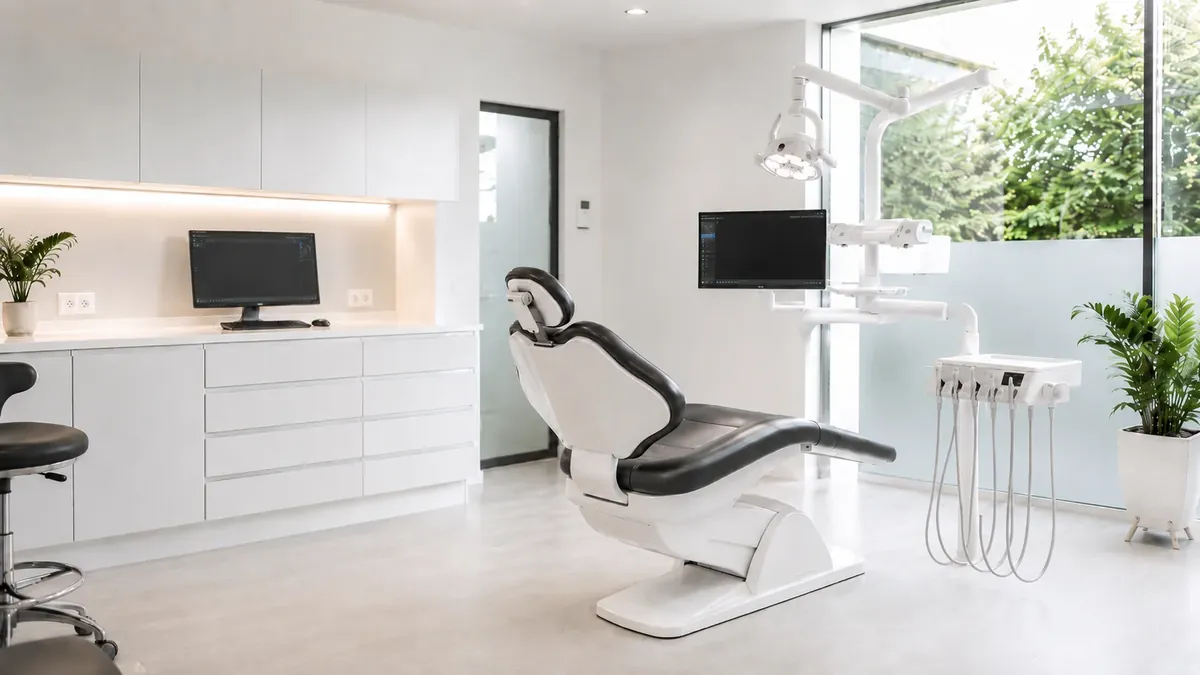
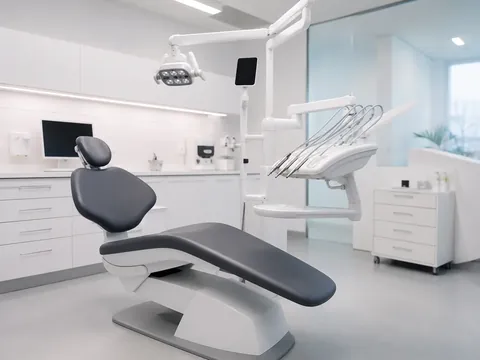
Modern, fully equipped dental practice

Take back control of your maintenance.

See how to centralise your equipment, stay ahead of due dates and find every record from a single platform.